EU-funded projects carry real financial and operational risk. Qoncise gives your team the structure to manage them — project planning, personnel allocation, audit-ready timesheets, and operational governance in one place.
Early access · Set up in minutes
Plans made in Excel diverge from reality within weeks. Reconciling the difference before an audit is expensive and hard to explain.
A person appears available, gets assigned — then turns out already committed elsewhere. The gap appears at exactly the moment you cannot fix it.
When auditors request evidence, timesheets are incomplete and formats inconsistent. Evidence not locked at submission cannot be trusted at review.
Qoncise turns complex EU project work into clarity, control, and defensible results you can rely on.
Work packages, budgets, and timelines in one place — every change updates the plan, not a spreadsheet.
The right people, at the right time, without over-allocation. Visibility on availability and effort distribution before you commit.
Timesheets, approvals, and supporting data are captured continuously and locked in place when it matters.
Personal data is protected and retained in line with EU requirements throughout the project lifecycle and beyond.
Qoncise follows the real operating rhythm of an EU-funded project: structure the project, define the budget, set up people, plan work, and close the month with submitted timesheets.
Start with the legal and operational frame of the grant: project code, programme, company, duration, and the productive-days rule that will govern declarations later.
You define the frame once so planning, budget logic, and later timesheet controls all start from the same project record.
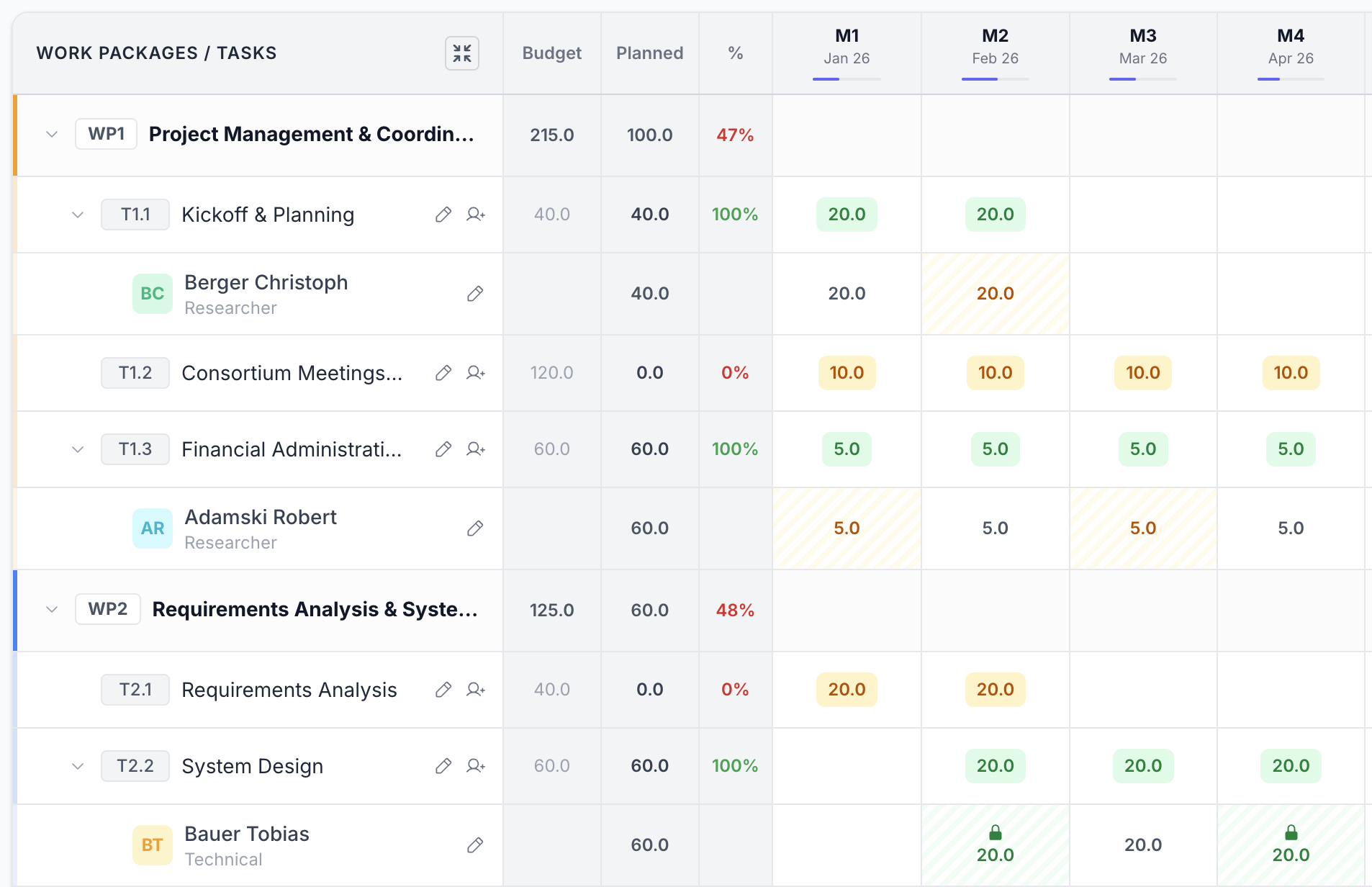
Break the project into work packages. Under each one, add tasks and budget lines per cost category. Set the day budget and active months once — planning distributes the effort automatically across the timeline.
Instead of keeping the budget in a separate document, Qoncise turns it into the live framework used for planning and later reporting.
Employees are more than names in a list. Qoncise tracks relationships, terms, roles, skills, availability context, and vacations so later allocations reflect the real operating conditions of the team.
Employees are prepared for real assignment decisions, with the role, terms, and availability context needed to plan work properly.
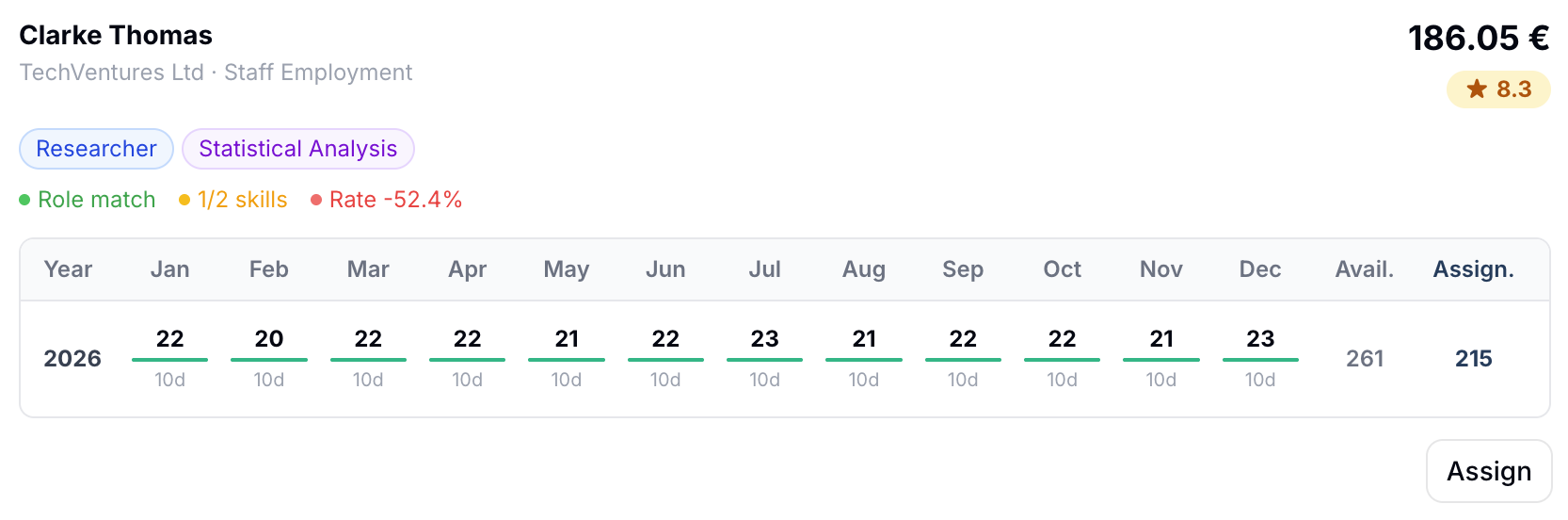
Search by skill, role, or daily rate, then assign through a recommendation view that ranks candidates by match and real capacity. Conflicts are surfaced before the assignment becomes part of the plan.
The system helps you pick people based on fit and actual availability, so the plan stays credible before the month even starts.
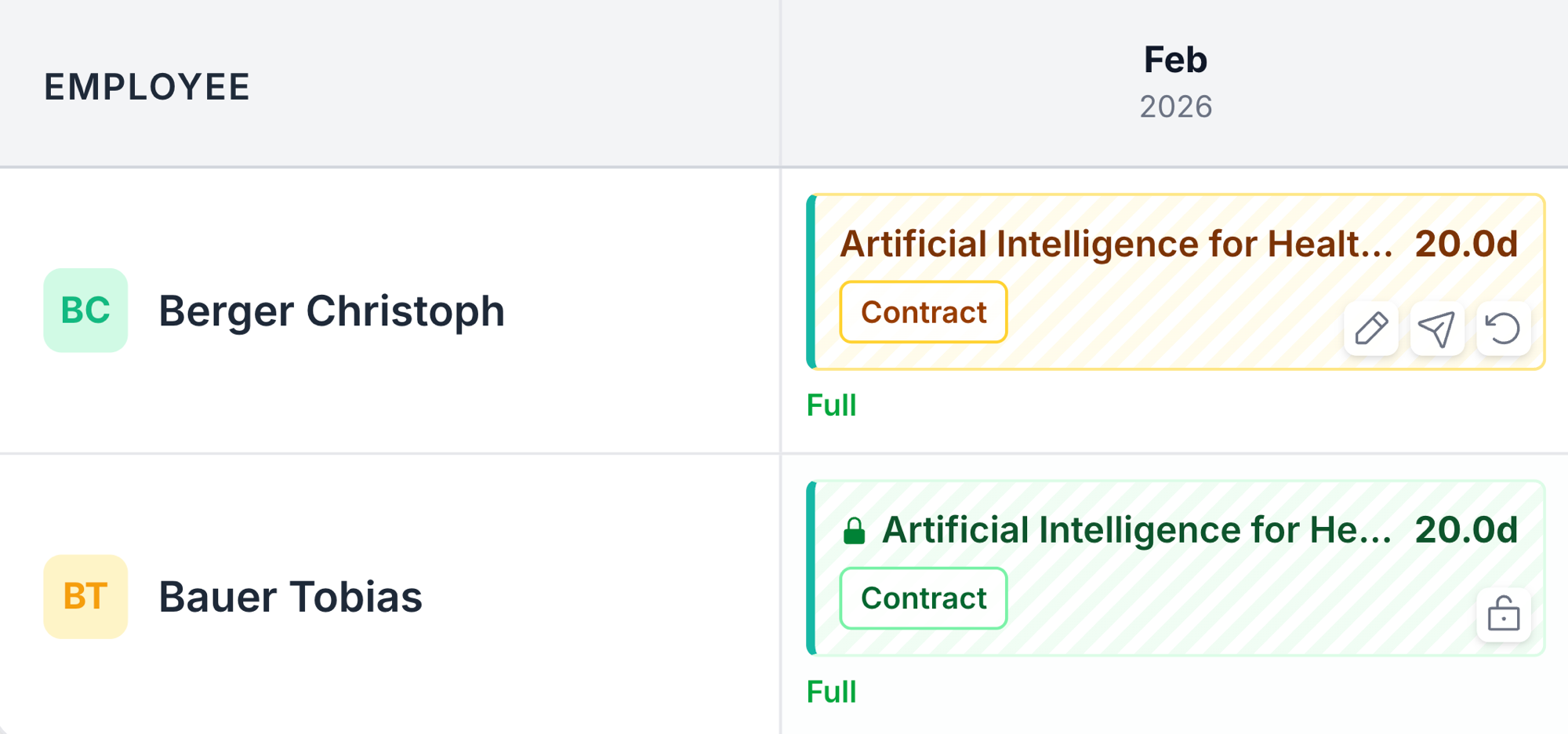
People log daily work within valid task windows, then submit monthly. Submission seals the evidence, preserves the submitting user and timestamp, and prevents edits that would weaken the audit trail later.
Daily entries stay tied to the project structure, then monthly submission freezes the record so it is usable later in review and audit.
One plan. Planning, timesheets, compliance controls, and data export — all included.
*Subject to fair use. For regular project operations.
Employees are the people you plan, assign, and collect timesheets from.
Users are the people who log in and run the workspace.
| Seat-based tools | Qoncise | |
|---|---|---|
| Pricing unit | Per employee record | Per active user |
| 100 employees / 5 managers | 100 seats | 5 seats |
| Who employees are | Usually billed as seats | Tracked as records |
| Who users are | Often the billing unit | Only the people who log in |
| Workforce modeling | Limited by seat cost | No constraint |
| Multi-company projects | More seats as teams grow | Included |
| Institutional scale | Costs rise quickly | Designed for it |
Set up a workspace, structure your first project, and start assigning work — in the same session.